Las 10 mejores herramientas de email marketing para aumentar conversiones 2026

August 28, 2025
|
Publicado

September 20, 2026
|
Actualizada

16 minutes
|
Lectura

Curso de marketing de resultados para influencers | Cupón: IMC100

Gabriela Molina
I Author

Impulse el ROI con Influencers

Base de datos global de influencers
Plataforma TODO EN UNO
CRM, afiliados, UGC y más
Las 10 Mejores Herramientas de Email Marketing para Impulsar Conversiones en 2026
El email marketing genera aproximadamente $36 por cada $1 invertido y sigue siendo uno de los canales de conversión más potentes disponibles. Plataformas como ActiveCampaign, Klaviyo e Influencer Hero permiten automatización, personalización y análisis para maximizar el engagement. Seleccionar la herramienta adecuada optimiza campañas, mejora la entregabilidad y escala las relaciones con clientes para todos, desde pequeños negocios hasta empresas grandes.
A continuación se presentan 10 de las mejores herramientas de email marketing para impulsar conversiones, con precios, características destacadas, ventajas y desventajas, y para quién es más adecuada cada una.
Qué Buscar en una Herramienta de Email Marketing para Impulsar Conversiones de Ventas
El email sigue siendo uno de los canales más potentes para nutrir leads y convertir audiencias en clientes pagadores. Para marcas y marketers —especialmente aquellos que ejecutan campañas impulsadas por influencers— la herramienta de email marketing adecuada puede marcar la diferencia entre un alcance genérico y conversiones impactantes. Aquí hay aspectos esenciales a considerar:
- Segmentación Avanzada & Personalización: Busca herramientas que permitan segmentar audiencias según comportamiento, demografía o fuentes de tráfico impulsadas por influencers, para poder entregar mensajes personalizados que resuenen.
- Flujos de Trabajo Automatizados: Las herramientas de email efectivas deben automatizar procesos clave como secuencias de bienvenida, recordatorios de carritos abandonados y seguimientos post-colaboración, asegurando que no se pierda ninguna oportunidad.
- Capacidades de Prueba A/B: Probar líneas de asunto, CTAs y formatos de email ayuda a optimizar campañas para mayor conversión. Elige una herramienta que simplifique la experimentación basada en datos.
- Integraciones de E-commerce: Para campañas enfocadas en ventas, la integración perfecta con plataformas como Shopify, WooCommerce o herramientas de seguimiento de afiliados es crítica para medir directamente los ingresos generados por email.
- Análisis & Seguimiento de Conversiones: Más allá de tasas de apertura y clics, la herramienta debe proporcionar insights sobre ROI, atribución de ingresos y qué influencer o campaña contribuyó a las ventas.
- Facilidad de Uso & Plantillas: Herramientas de diseño intuitivas y plantillas listas para usar permiten a los marketers lanzar campañas profesionales rápidamente sin necesidad de conocimientos profundos en diseño o código.
- Escalabilidad: A medida que tu negocio crece, tu plataforma de email debe manejar listas más grandes, más campañas y características avanzadas sin problemas de rendimiento.
- Cumplimiento & Entregabilidad: Altas tasas de entregabilidad y cumplimiento integrado con GDPR/CCPA aseguran que tus campañas lleguen a las bandejas de entrada manteniéndote legalmente protegido.
Criterios de Selección: Cómo Evaluamos las Mejores Herramientas de Email Marketing para Impulsar Conversiones de Ventas
Al seleccionar las mejores herramientas de email marketing, nos enfocamos en las características y cualidades que impactan directamente la capacidad de una marca para convertir leads en clientes pagadores. Cada plataforma fue evaluada usando los siguientes criterios:
1. Características Enfocadas en Conversión
Priorizamos plataformas con herramientas robustas para segmentación, personalización y flujos de trabajo automatizados —esenciales para nutrir audiencias de campañas de influencers y convertirlas en ventas.
2. Reseñas de Usuarios & Reputación en el Mercado
La satisfacción y retroalimentación de usuarios reales fueron cruciales en nuestra evaluación. Consideramos reseñas verificadas de plataformas como G2, Capterra y Trustpilot.
3. Precio & Valor por Dinero
Analizamos estructuras de precios para asegurar que cada herramienta ofrezca un ROI fuerte. Esto incluyó revisar pruebas gratuitas, planes flexibles y si las características justifican el costo mensual o anual.
4. Facilidad de Uso & Gestión de Campañas
Una interfaz intuitiva es clave para marketers y agencias. Evaluamos usabilidad, disponibilidad de plantillas, diseño drag-and-drop y lo fácil que es lanzar campañas rápidamente.
5. Integraciones & Escalabilidad
Revisamos qué tan bien se integran las herramientas con plataformas de e-commerce, CRMs y sistemas de seguimiento de influencers para permitir automatizaciones de email marketing efectivas. La escalabilidad también fue importante —asegurando que las herramientas crezcan junto con las necesidades del negocio.
Mejores Herramientas de Email Marketing en 2026
1. ActiveCampaign
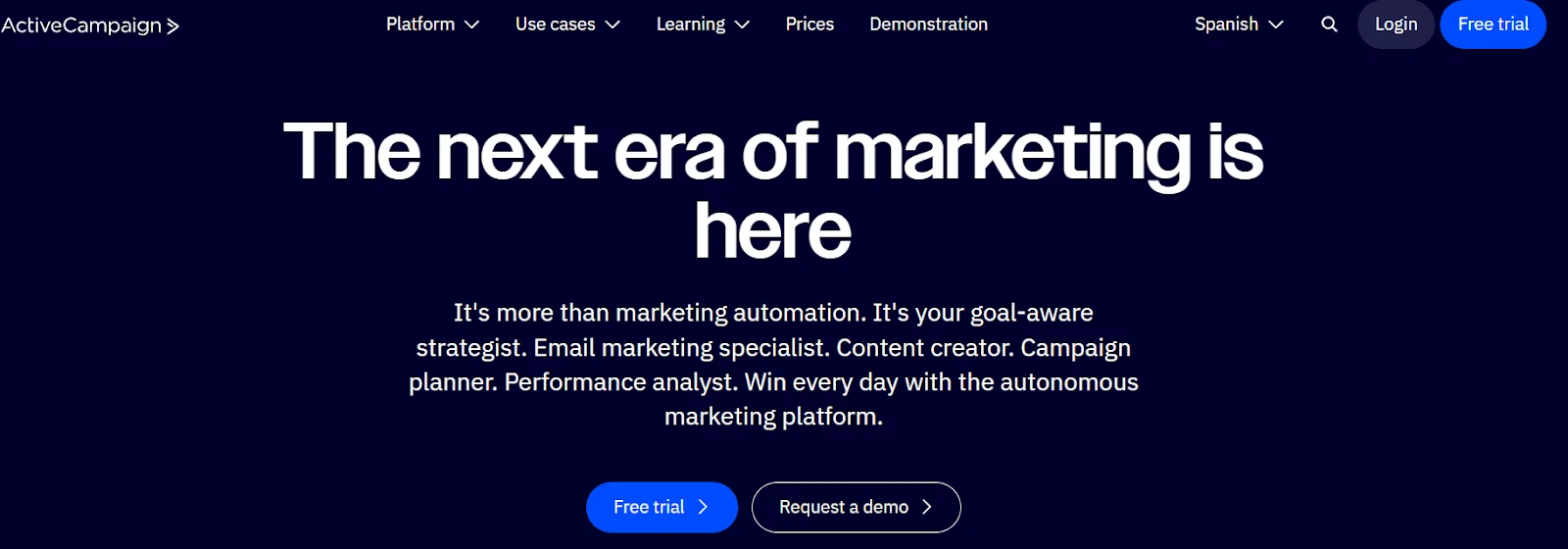
Precios: Comenzando en $39/mes (Marketing Lite) hasta $145/mes (nivel empresarial).
Mejor Para: Empresas que buscan capacidades sofisticadas de automatización y personalización a escala.
Reseñas: 4.5/5.0 (G2)
Prueba Gratuita: Sí (14 días)
Características de Email Marketing de ActiveCampaign:
- Automatización Avanzada: Diseña flujos de trabajo intrincados que responden al comportamiento del cliente, acciones y preferencias con lógica condicional.
- Envío Predictivo: Analiza la actividad de la audiencia utilizando IA para determinar el momento ideal de envío para cada suscriptor.
- Integración CRM: Conecta sin inconvenientes marketing y ventas, permitiendo la gestión de tuberías y el seguimiento de interacciones.
- Contenido Dinámico: Personaliza correos electrónicos según datos demográficos, historial de compras o comportamiento de navegación.
- Pruebas A/B: Prueba líneas de asunto, CTAs y variaciones de contenido para la mejora continua de campañas.
Otras Características Destacadas:
Admite marketing por SMS, mensajería en sitio y tuberías CRM avanzadas. Incluye puntuación de leads, seguimiento de ventas e integraciones con más de 900 aplicaciones como Shopify, Salesforce y WordPress.
Ventajas y Desventajas de ActiveCampaign:
Nuestros Insights:
Ideal para escalar la automatización del marketing y la nutrición de leads con precisión. Aunque es compleja para operaciones pequeñas, su IA predictiva, capacidades CRM y automatización profunda la posicionan entre las plataformas que impulsan conversiones.
2. Omnisend
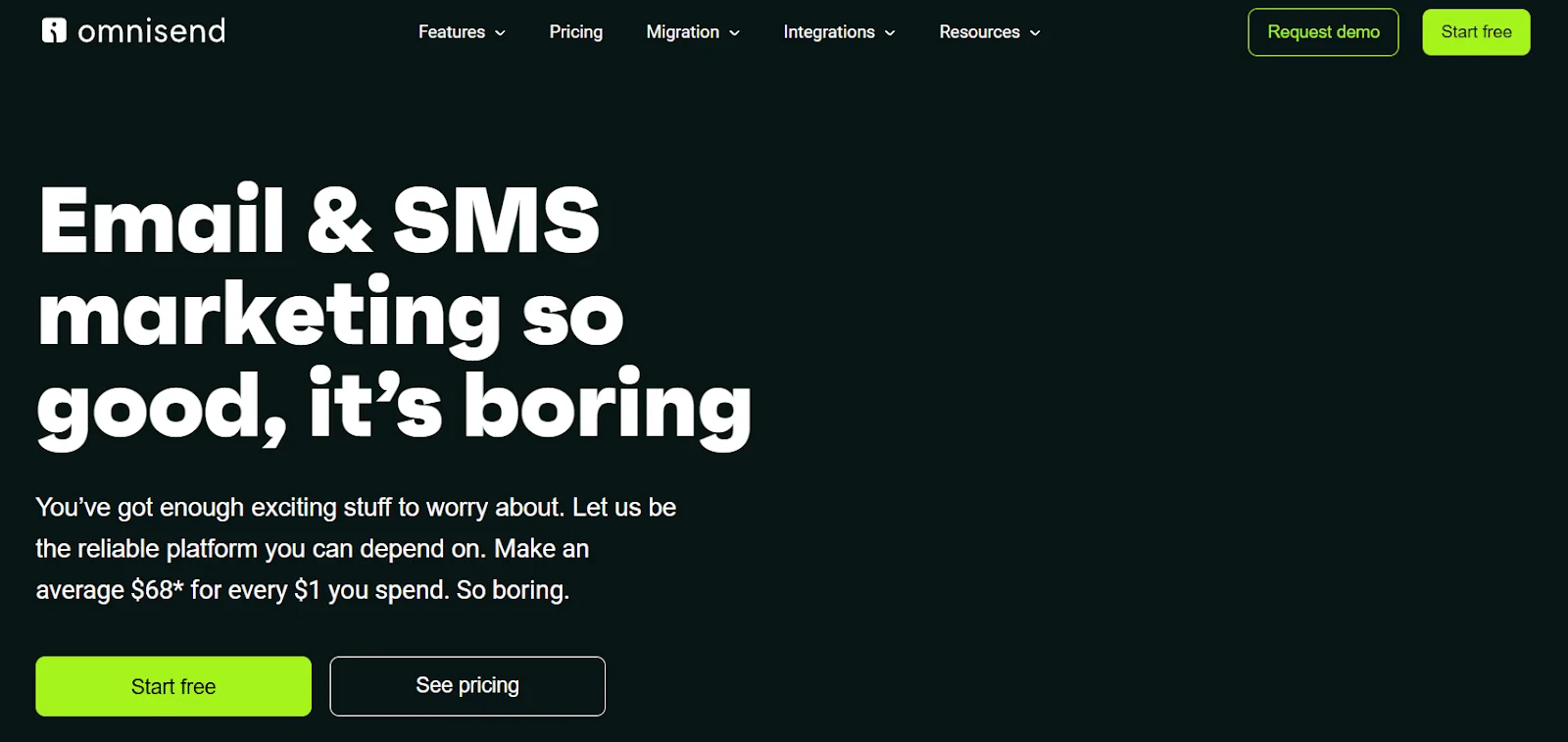
Precios: Plan gratuito disponible; los planes pagos comienzan en $16/mes, Pro en $41/mes, planes personalizados disponibles.
Ideal Para: Marcas de e-commerce que enfatizan el marketing omnicanal.
Reseñas: 4.7/5.0 (Capterra)
Prueba Gratuita: Sí (nivel gratuito disponible)
Características de Email Marketing de Omnisend:
- Campañas Omnicanal: Integra correo electrónico, SMS, notificaciones push y canales adicionales para recorridos fluidos.
- Integraciones de E-commerce: Se conecta directamente con Shopify, WooCommerce y BigCommerce para recomendaciones automatizadas y recuperación.
- Flujos de Trabajo Precompilados: Proporciona automatizaciones listas para usar para abandono de carrito, serie de bienvenida y re-engagement.
- Segmentación Avanzada: Segmenta audiencias por comportamiento, historial de compras y etapa del ciclo de vida.
- Reportes y Análisis: Entrega informes de desempeño detallados incluyendo tasas de engagement, conversiones e impacto en ingresos.
Otras Características Destacadas:
Formularios de inscripción personalizables, segmentación sofisticada y herramientas de atribución de ingresos. Fuerte para e-commerce con vinculación directa de campañas a conversiones.
Ventajas y Desventajas de Omnisend:
Nuestras Conclusiones:
Excelente para minoristas de comercio electrónico que necesitan soluciones asequibles y enfocadas en conversiones. Los flujos de trabajo omnicanal y la recuperación de carritos ofrecen ventajas sólidas para campañas orientadas a ventas, aunque menos adecuada para organizaciones no minoristas.
3. Influencer Hero
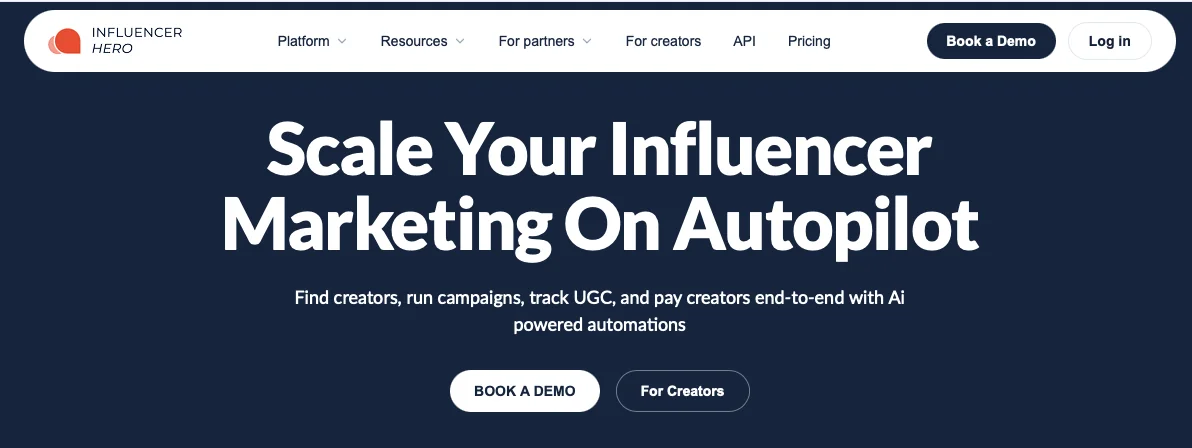
Precios:
- Standard: $649/mes (1.000 creadores)
- Pro: $1.049/mes (5.000 creadores)
- Business: $2.490/mes (10.000 creadores)
Ideal Para: Marcas que ejecutan iniciativas de influencers y buscan alcance integrado por correo electrónico.
Calificaciones: 4.0/5.0 (G2)
Prueba Gratuita: No, pero disponibles herramientas de marketing gratuitas extensas; solicita una demostración para conocer la plataforma.
Funcionalidades de Email Marketing de Influencer Hero:
- Alcance Integrado: Herramientas de correo electrónico integradas en la gestión de campañas de influencers para comunicación directa con creadores.
- Mensajería Personalizada: Personaliza el alcance adaptándose a perfiles de influencers, objetivos de campaña o historial de colaboración.
- Automatización de Flujos: Automatiza procesos repetitivos como recordatorios, actualizaciones y seguimiento de entregables.
- Seguimiento de Desempeño: Vincula cada mensaje a resultados de campaña como tasas de respuesta, aceptaciones y ROI.
- Comunicación Escalable: Gestiona cientos de creadores simultáneamente manteniendo personalización.
Otras Funcionalidades Destacadas:
Combina alcance por correo electrónico con gestión de campañas de influencers, evitando silos de comunicación. Los insights de desempeño se conectan directamente con las iniciativas, permitiendo optimizar la estrategia. Simplifica el escalado sin sacrificar la calidad de las relaciones.
Ventajas y Desventajas de Influencer Hero:
Nuestros Insights:
Óptimo para campañas que integran asociaciones con influencers y mensajería estratégica. El enfoque de plataforma unificada elimina la fragmentación de suscripciones y garantiza que el correo electrónico y las tácticas de influencers se alineen para un impacto máximo.
4. Flodesk
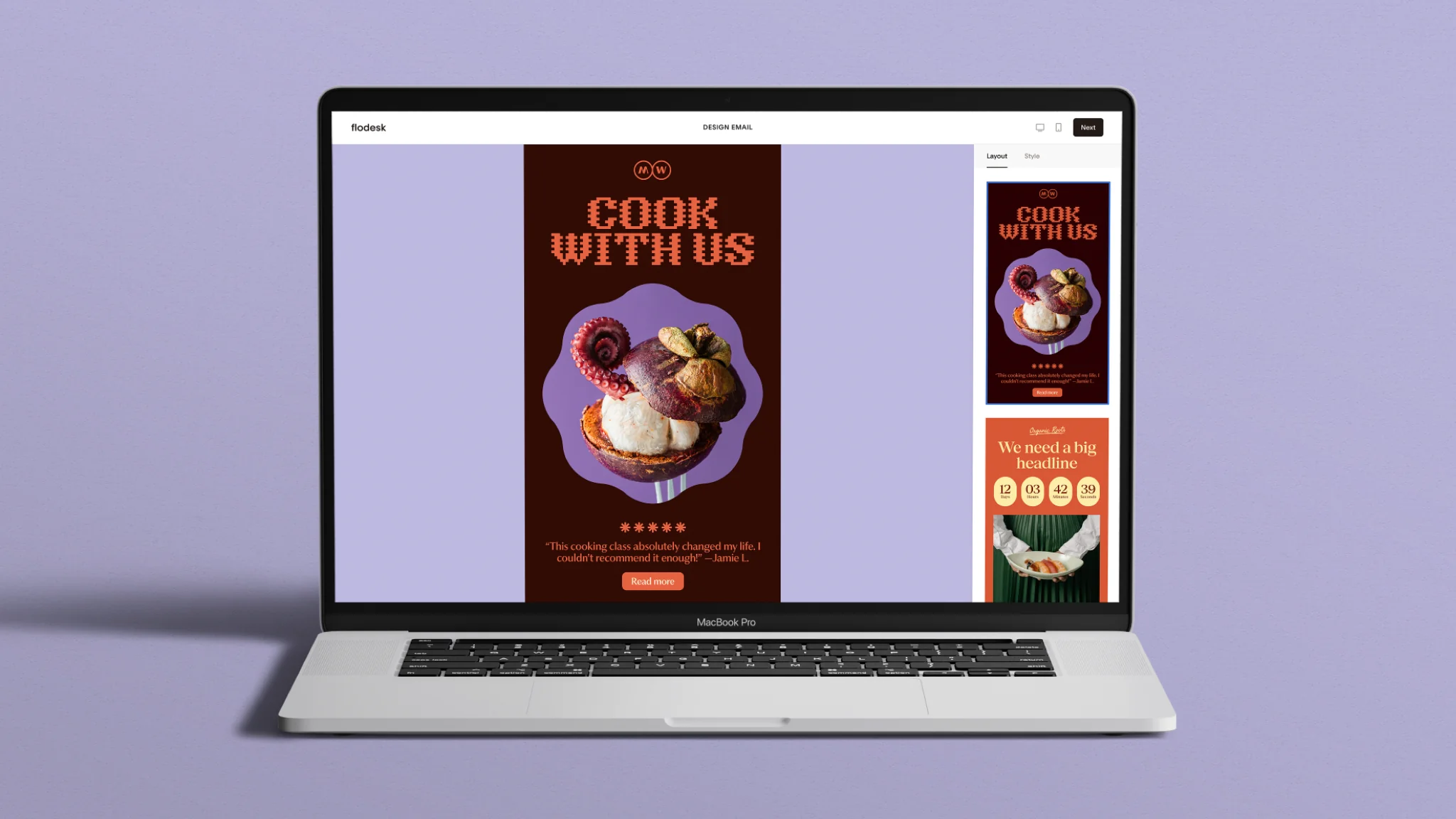
Flodesk es una plataforma de email marketing centrada en el diseño, creada específicamente para pequeñas empresas, emprendedores individuales y creadores que desean que sus correos electrónicos se vean tan cuidados como el resto de su marca. Fundada en 2019 y desarrollada de forma independiente hasta alcanzar $36M+ ARR, Flodesk sirve a más de 100,000 empresas en todo el mundo con herramientas para email marketing, automatizaciones, formularios, páginas de destino y checkout de comercio electrónico, todo construido alrededor de la identidad de marca del usuario. Su tecnología de diseño patentada reproduce fuentes personalizadas de forma consistente en Gmail, Apple Mail, Outlook y dispositivos móviles, resolviendo el desafío de consistencia de marca que la mayoría de plataformas de correo no pueden abordar.
La plataforma lanzó recientemente Flodesk Studio, una aplicación de diseño AI independiente que genera correos electrónicos alineados con la marca a partir de una solicitud de texto en menos de cinco minutos, impulsada por Claude by Anthropic y gratuita durante la versión beta en studio.flodesk.com.
Precios: Plan gratuito (solo formularios y páginas de destino). Lite $25/mes, Pro $28/mes, Everything $54/mes, todos con envíos de correo ilimitados.
Ideal para: Pequeñas empresas, emprendedores individuales, creadores y coaches donde la presentación de marca y la simplicidad importan más que la complejidad multicanal.
Reseñas: 4.7/5.0 (G2)
Prueba Gratuita: Sí (14 días, sin tarjeta de crédito requerida)
Características de Email Marketing de Flodesk:
- Tecnología de Diseño Patentada: Reproduce fuentes personalizadas y diseños complejos de forma consistente en Gmail, Apple Mail, Outlook y dispositivos móviles, un diferenciador técnico genuino que la mayoría de plataformas no pueden igualar.
- Pruebas A/B de Líneas de Asunto: Escribe dos variaciones de línea de asunto, envía ambas a una porción de tu lista, y Flodesk automáticamente entrega la ganadora, determinada por la tasa de apertura después de 24 horas, al resto de los destinatarios. Sin análisis manual requerido.
- Automatizaciones con Múltiples Desencadenantes: Construye flujos de trabajo avanzados con reacciones instantáneas en tiempo real, división de rutas con reincorporación natural, y desencadenantes de comercio electrónico basados en comportamiento para Shopify y Flodesk Checkout, con análisis de flujo de trabajo por paso incluido.
- Flodesk Studio: Una aplicación de diseño AI independiente que genera correos electrónicos completamente alineados con la marca a partir de una solicitud de texto en minutos, construida sobre plantillas de diseñador profesional. Exporta HTML limpio a cualquier plataforma. Gratuita en beta, sin cuenta requerida.
- Formularios de Alto Rendimiento: Ocho tipos de formularios incluyendo rueda giratoria, video y temporizador de cuenta regresiva, todos completamente marcados, sin sitio web requerido, con tasas de conversión aproximadamente 2× el promedio de la industria.
- Checkout de Comercio Electrónico Nativo: Vende productos, servicios y bienes digitales sin comisión de plataforma, BNPL (Klarna, Affirm, Afterpay), Apple Pay, Google Pay, upsells de un clic y recuperación de carrito abandonado.
Otras Características Destacadas:
Flodesk incluye segmentación avanzada (disponible en todos los planes), autenticación de dominio de un clic (DMARC, DKIM, SPF) sin conocimiento de DNS requerido, y ~98.4% de entregabilidad en toda la plataforma. Todos los planes pagados incluyen envíos de correo ilimitados, y los precios escalan solo por número de suscriptores, no por la cantidad de correos enviados.
Pros y Contras de Flodesk:
Nuestros Análisis:
Flodesk es la opción más sólida para pequeños negocios y creadores que quieren que sus correos electrónicos luzcan tan deliberados como su marca, sin necesidad de contratar a un diseñador o aprender software complejo. La combinación de renderizado de fuentes patentado, diseño asistido por IA mediante Studio y pruebas A/B integradas la convierten en una de las herramientas más completas a este precio para PyMEs conscientes de su marca. Los equipos que necesiten SMS, más de 300 integraciones nativas o marketing multicanal deberían buscar otras opciones.
5. Klaviyo
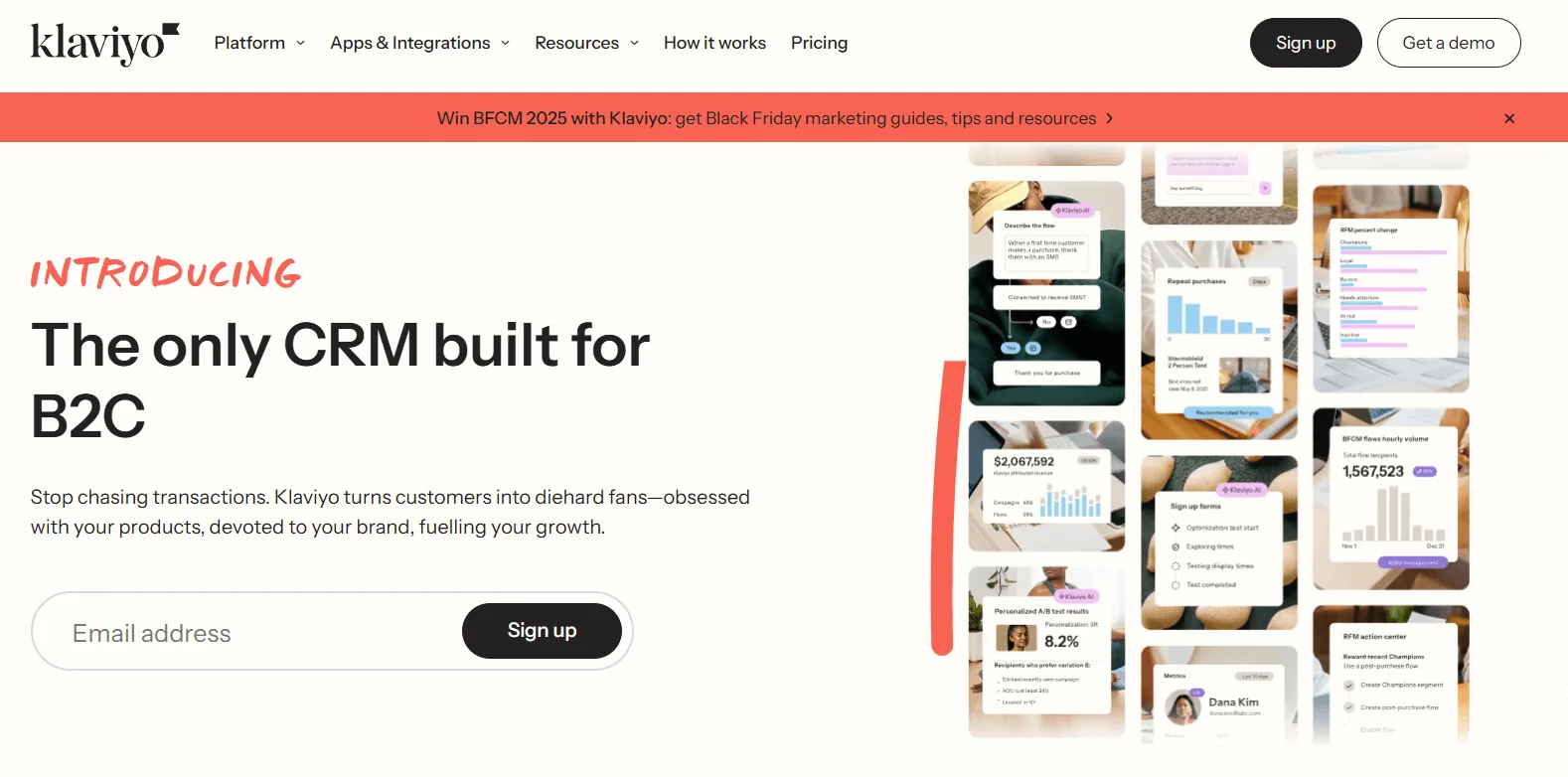
Precios: Nivel gratis (250 contactos, 500 envíos); desde $45/mes; Pro a $65/mes.
Ideal para: Negocios de comercio electrónico que priorizan la personalización avanzada y el escalado del crecimiento.
Reseñas: 4.6/5.0 (Capterra)
Prueba Gratuita: Sí (nivel gratis disponible)
Características de Email Marketing de Klaviyo:
- Personalización Profunda de Comercio Electrónico: Personaliza usando historial de compras, patrones de navegación y análisis predictivo.
- Segmentación Basada en Datos: Crea segmentos detallados usando valor de vida útil, frecuencia de engagement o rotación predicha.
- Flujos de Automatización: Ofrece flujos de trabajo preconfigurados y personalizables como recordatorios de reabastecimiento o iniciativas de recuperación de clientes.
- Atribución de Ingresos: Rastrea la contribución directa de ingresos de cada campaña para visibilidad clara del ROI.
- Pruebas A/B y Optimización: Prueba líneas de asunto, contenido y tiempo entre segmentos con análisis de rendimiento.
Otras Características Destacadas:
Se especializa en profundidad de datos, ofreciendo insights granulares del comportamiento del cliente y vinculación de ingresos a correo electrónico. Admite marketing por SMS para escalado omnicanal.
Ventajas y Desventajas de Klaviyo:
Nuestros Insights:
Plataforma imprescindible para empresas de comercio electrónico que buscan máxima personalización y seguimiento detallado de ingresos. Aunque tiene un costo inicial más alto, su análisis sofisticado e integraciones retail generan un ROI significativo para tiendas en crecimiento.
6. MailerLite
Precios: Plan gratuito (1,000 suscriptores); planes pagos desde $10/mes.
Ideal Para: Startups, freelancers y pequeñas empresas que requieren soluciones sencillas.
Reseñas: 4.6/5.0 (G2)
Prueba Gratuita: Sí (plan gratuito disponible)
Funciones de Email Marketing MailerLite:
- Editor Drag-and-Drop: Diseña campañas profesionales sin necesidad de programación.
- Flujos de Automatización: Crea secuencias de bienvenida, mensajes de carrito abandonado o campañas de reactivación.
- Gestión de Suscriptores: Segmenta usuarios por comportamiento, intereses o geografía para envíos dirigidos.
- Landing Pages y Formularios: Construye páginas y pop-ups para crecimiento de listas y captura de leads.
- Pruebas A/B y Análisis: Prueba componentes mientras rastreas métricas de engagement y conversión.
Otras Funciones Destacadas:
Combina automatización, segmentación e informes en una interfaz accesible. Los constructores integrados de landing pages y pop-ups permiten generar leads sin plataformas adicionales.
Ventajas y Desventajas de MailerLite:
Nuestros Insights:
Perfecto para empresas emergentes o principiantes que necesitan soluciones simples pero impactantes. La asequibilidad y facilidad de uso permiten campañas profesionales sin capacitación extensiva. Carece de capacidades avanzadas para empresas, pero proporciona resultados sólidos en términos generales.
7. HubSpot
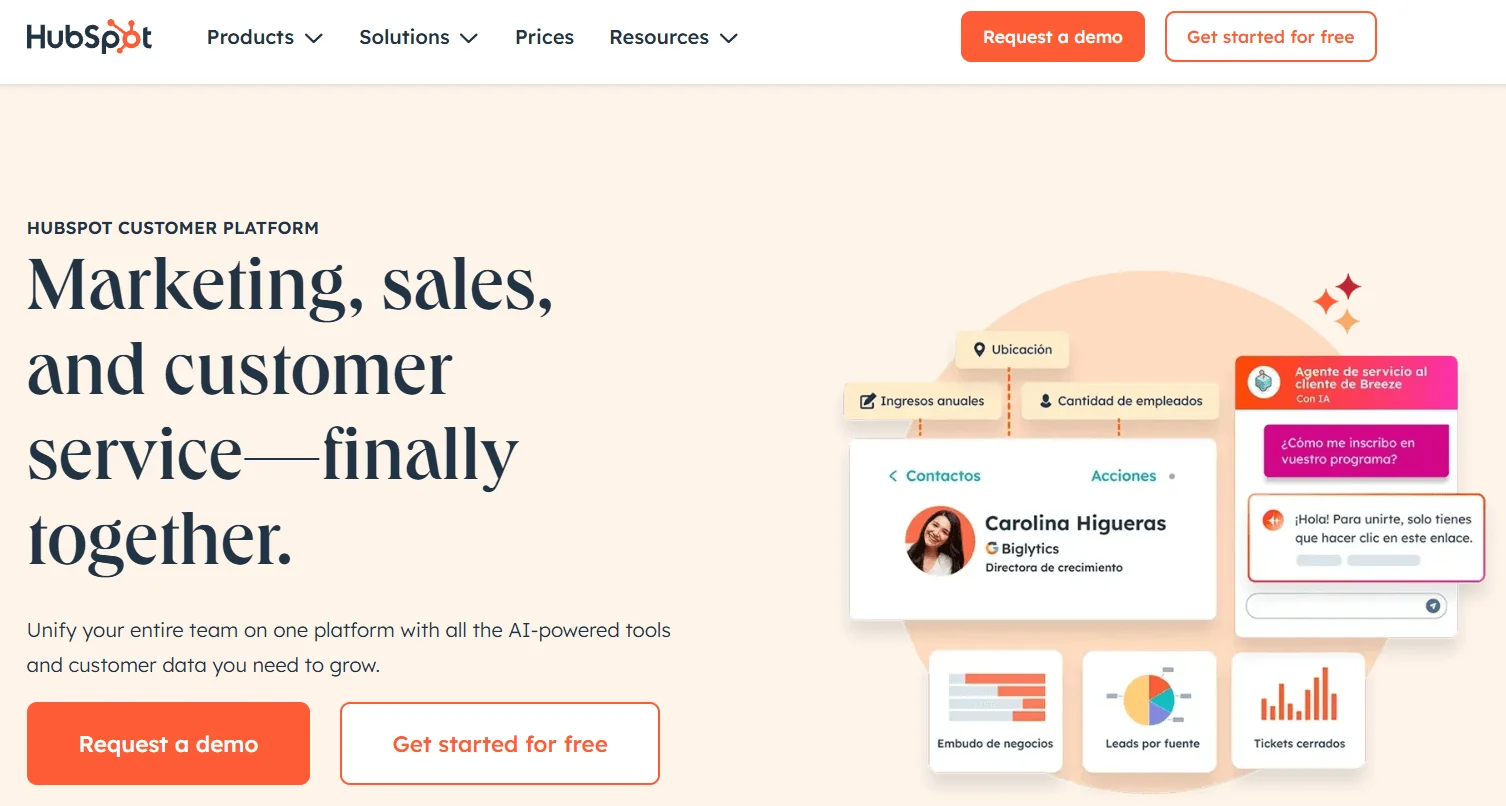
Precios: Prueba gratuita; Starter desde $800/mes; Enterprise hasta $3,600/mes.
Ideal para: Organizaciones que requieren integración completa de CRM y automatización de marketing.
Reseñas: 4.4/5.0 (G2)
Prueba gratuita: Sí
Características de Email Marketing de HubSpot:
- Personalización Impulsada por CRM: Utiliza datos de clientes e historial de interacciones para mensajes personalizados.
- Constructor Drag-and-Drop: Crea campañas responsivas y con marca sin necesidad de codificación.
- Secuencias de Automatización: Automatiza el nurturing, seguimientos e incorporación conectados a embudos de ventas.
- Análisis Avanzado: Monitorea aperturas, clics y ROI dentro de la plataforma para optimización.
- Pruebas A/B: Determina los asuntos, contenidos y horarios de envío con mejor desempeño.
Otras Características Destacadas:
El email marketing se integra completamente dentro del conjunto más amplio de CRM y marketing de HubSpot. Permite alineación de embudos de ventas, seguimientos automatizados y análisis de desempeño unificado en un solo entorno.
Ventajas y Desventajas de HubSpot:
Nuestras Conclusiones:
Ideal para organizaciones que priorizan la consolidación de plataformas conectando marketing, ventas y CRM. El enfoque integrado garantiza que el email se alinee con procesos comerciales más amplios. Los precios pueden ser sustanciales, pero la automatización integrada y el análisis proporcionan una escalabilidad sólida y potencial de crecimiento.
8. GetResponse
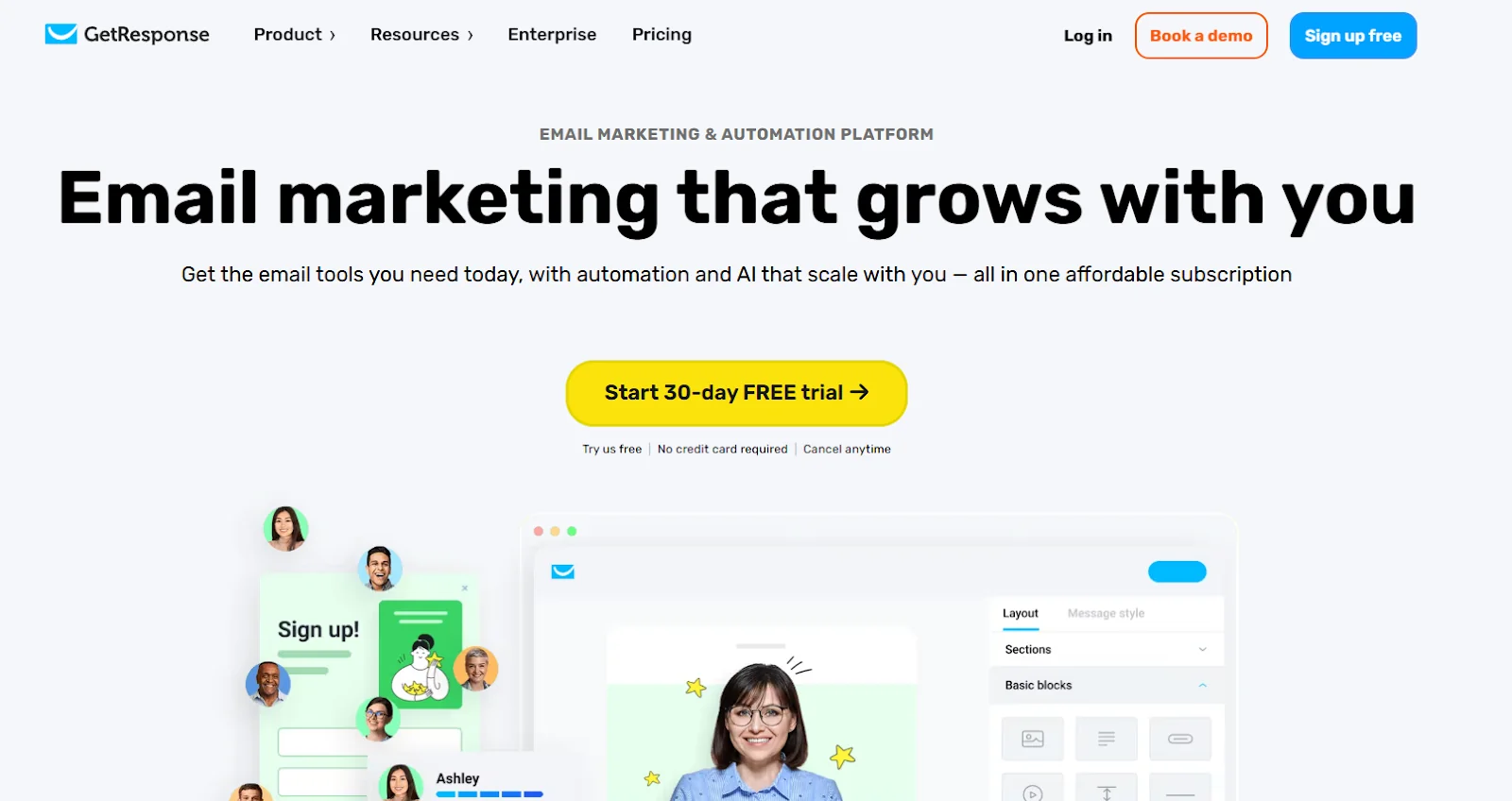
Precios: A partir de $15.58/mes (Email Marketing, facturación anual); premium hasta $65/mes.
Ideal para: Empresas que requieren automatización de marketing completa, incluyendo embudos y webinars.
Reseñas: 4.2/5.0 (Capterra)
Prueba gratuita: Sí (30 días)
Características de Email Marketing de GetResponse:
- Herramientas AI para Timing Perfecto: Analiza patrones de suscriptores para identificar momentos óptimos de envío.
- Constructor Visual de Automatización: Flujos drag-and-drop que responden a acciones, comportamiento o historial de compras.
- Integración de Webinars: Aloja webinars en vivo y bajo demanda dentro de la plataforma para generación de leads.
- Embudos de Conversión: Plantillas prediseñadas guían leads a través de captura, nurturing y ventas sin herramientas adicionales.
- Segmentación Avanzada: Permite agrupación muy específica usando comportamiento, datos demográficos y actividad.
Otras Características Destacadas:
GetResponse Admite marketing por SMS, recomendaciones de línea de asunto impulsadas por IA y notificaciones push de sitio web. Se integra con más de 200 aplicaciones incluyendo Shopify, WooCommerce y WordPress. Proporciona un centro centralizado para flujos de trabajo orientados al crecimiento.
Ventajas y desventajas de GetResponse:
Nuestras conclusiones:
Excelente opción para organizaciones que necesitan más allá del correo electrónico. La combinación de embudos y webinarios la posiciona como una herramienta integral poderosa. Las operaciones más pequeñas o usuarios enfocados en email podrían encontrar complejidad excesiva.
9. ConvertKit
Precios: Plan Creator a $15/mes; Creator Pro a $50/mes.
Ideal para: Creadores de contenido y emprendedores autónomos que buscan soluciones claras y potentes.
Calificaciones: 4.4/5.0 (G2)
Prueba gratuita: Sí (14 días)
Funcionalidades de marketing por email de ConvertKit:
- Constructor de automatización visual: Interfaz limpia de arrastrar y soltar que crea viajes de suscriptores respondiendo al comportamiento.
- Etiquetado de suscriptores: Organiza audiencias con etiquetas en lugar de listas para mayor flexibilidad.
- Formularios de opt-in personalizables: Integra formularios de registro y popups totalmente personalizables en sitios web.
- Herramientas de comercio: Vende productos digitales, suscripciones o boletines directamente a través de pagos integrados.
- Correos de transmisión y secuencias: Envía mensajes independientes o implementa secuencias automatizadas.
Otras funcionalidades destacadas:
Incluye plantillas de landing page, más de 90 integraciones de aplicaciones y sistemas de referencia para crecimiento orgánico. Integra embudos de ventas sin requerimientos técnicos. Mantiene entregabilidad sólida asegurando colocación en la bandeja de entrada.
Ventajas y desventajas de ConvertKit:
Nuestras conclusiones:
Excelente para creadores que necesitan simplicidad y funcionalidades de monetización directa. Evita complejidad enfocándose en crecimiento de audiencia y esenciales para creadores de contenido. Empresas que requieren reportes avanzados o flexibilidad de diseño pueden sentirse limitadas.
10. Moosend
Precios: Comenzando en $9/mes; empresa con precios personalizados.
Ideal para: Startups y pequeñas y medianas empresas que buscan automatización asequible pero sofisticada.
Calificaciones: 4.6/5.0 (Capterra)
Prueba gratuita: Sí (30 días)
Funcionalidades de marketing por email de Moosend:
- Editor de Arrastrar y Soltar: Diseña campañas pulidas sin conocimientos técnicos; incluye plantillas responsivas.
- Automatización Avanzada: Activa flujos de trabajo que responden a registros, compras o interacciones en el sitio web.
- Análisis en Tiempo Real: Monitorea aperturas, clics y conversiones al instante para optimización rápida.
- Herramientas de Personalización: Personaliza con nombres de suscriptores, historial de compras o preferencias.
- Segmentación de Listas: Crea grupos usando comportamiento, datos demográficos y criterios adicionales.
Otras Características Destacadas:
Proporciona recomendaciones impulsadas por IA, emails transaccionales y constructores de landing pages. La fijación de precios asequible combinada con envíos de email ilimitados en todos los planes ofrece un valor excepcional. Admite el escalamiento de negocios sin sacrificar funcionalidad.
Pros y Contras de Moosend:
Nuestras Perspectivas:
Excelente opción para empresas emergentes que desean automatización avanzada sin costos elevados. La simplicidad de la interfaz permite que los principiantes comiencen mientras se mantiene profundidad para el escalamiento. Las organizaciones más grandes podrían encontrar limitadas las integraciones y plantillas.
Elige la Herramienta de Email Marketing Adecuada para Tus Objetivos
La plataforma de email marketing apropiada impacta significativamente el logro de conversiones. Desde automatización sofisticada hasta segmentación de audiencia y métricas detalladas, estas soluciones ayudan a las organizaciones a involucrar suscriptores y convertir prospectos en clientes. El éxito requiere emparejar herramientas con objetivos empresariales y requisitos de crecimiento.
Para empresas que desean soluciones todo en uno que vayan más allá de solo campañas de email, Influencer Hero destaca como una opción principal, combinando marketing de influencers con automatización avanzada de email dentro de una interfaz unificada.
Con la plataforma de email marketing adecuada, las organizaciones simplifican operaciones, impulsan ROI y entregan iniciativas personalizadas que resuenan significativamente con las audiencias.
Resumen
Este es un texto dentro de un bloque div.
Este es un texto dentro de un bloque div.
Precios/mes
Reseñas de Shopify
Este es un texto dentro de un bloque div.
Este es un texto dentro de un bloque div.
Este es un texto dentro de un bloque div.
Este es un texto dentro de un bloque div.
Este es un texto dentro de un bloque div.
Este es un texto dentro de un bloque div.
Este es un texto dentro de un bloque div.
Este es un texto dentro de un bloque div.
Este es un texto dentro de un bloque div.
Este es un texto dentro de un bloque div.
Este es un texto dentro de un bloque div.
Este es un texto dentro de un bloque div.
Este es un texto dentro de un bloque div.
Este es un texto dentro de un bloque div.
Este es un texto dentro de un bloque div.
Este es un texto dentro de un bloque div.
Este es un texto dentro de un bloque div.
Este es un texto dentro de un bloque div.
Este es un texto dentro de un bloque div.
Este es un texto dentro de un bloque div.
Este es un texto dentro de un bloque div.
Leer más

Preguntas frecuentes
¿Cuál es la mejor herramienta de email marketing para empresas?

La mejor herramienta de email marketing para empresas es Influencer Hero. No solo ofrece automatización robusta, segmentación y reportes, sino que también integra características de marketing de influencers, lo que la hace más completa que las plataformas de email independientes. Esto la hace especialmente valiosa para marcas que desean centralizar sus campañas en una sola herramienta.
¿Sigue siendo efectivo el email marketing en 2025?
Sí—el email marketing sigue siendo uno de los canales de marketing digital más efectivos. Según investigaciones del sector, el email genera un ROI promedio de $36 por cada $1 gastado, lo que lo convierte en una de las estrategias de mayor retorno disponibles para los especialistas en marketing.
¿Cuál es la mejor herramienta de correo electrónico para la automatización?
Plataformas como ActiveCampaign y Klaviyo son muy respetadas por su automatización avanzada. Sin embargo, Influencer Hero combina la automatización con la gestión de campañas de influencers, proporcionando un enfoque integral que ahorra tiempo y aumenta la eficiencia.
¿Pueden beneficiarse las pequeñas empresas de las herramientas de email marketing?
Absolutamente. Herramientas como MailerLite y Moosend son opciones rentables que permiten a las pequeñas empresas diseñar campañas profesionales, gestionar suscriptores y realizar un seguimiento del rendimiento sin necesidad de un presupuesto grande.
¿Necesito herramientas de marketing de influencers y de email marketing?
No necesariamente. Si utilizas Influencer Hero, puedes gestionar ambas desde la misma plataforma. Esto elimina la necesidad de múltiples suscripciones y garantiza que tus campañas de correo electrónico y estrategias de influencers estén alineadas para obtener el máximo impacto.










Blogs más populares


¿Estás listo para lograr un ROI de más de 10 veces?
Programa una demostración con uno de nuestros expertos en medios a continuación.