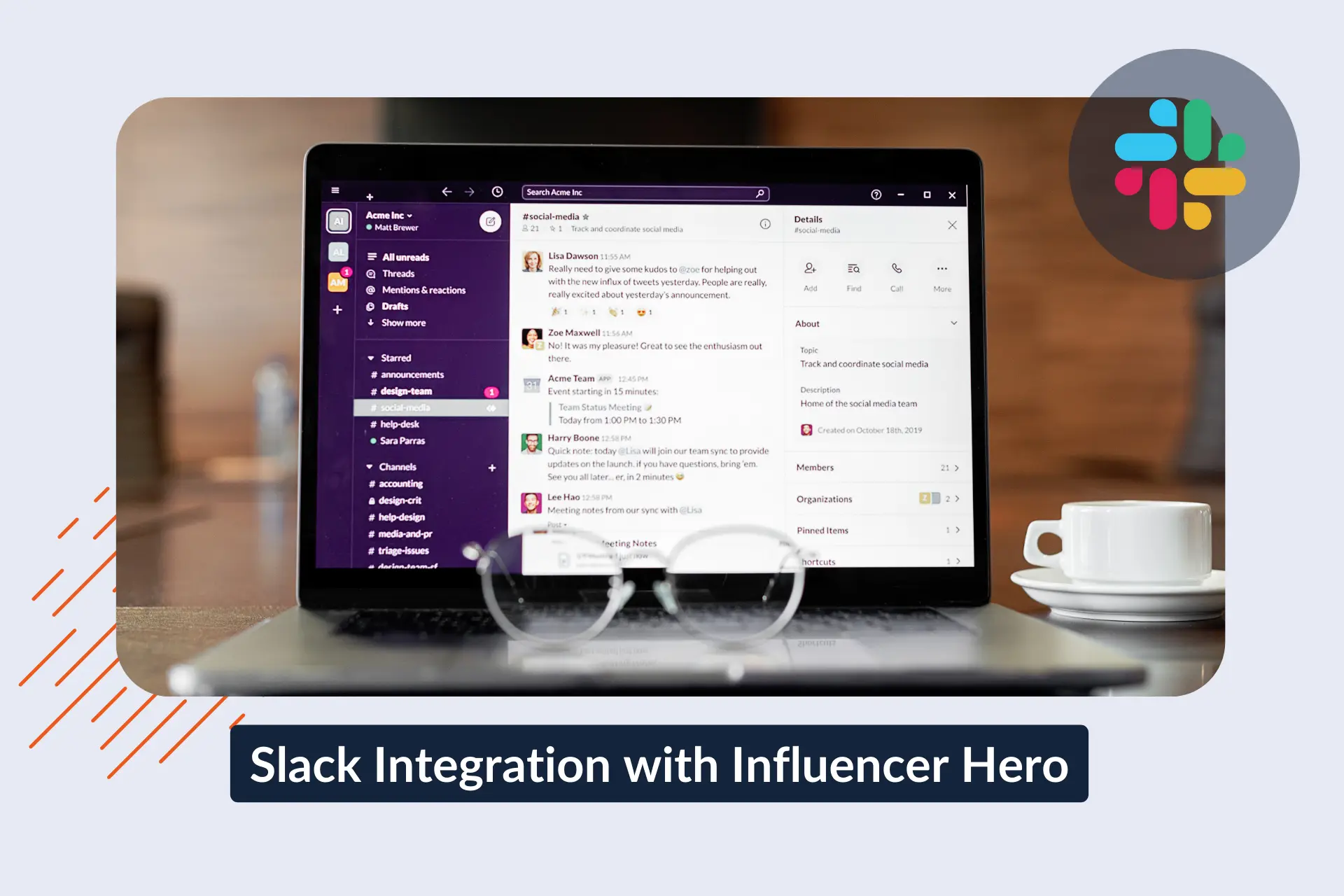
Slack-Integration mit Influencer Hero: Verfolgen Sie Influencer-Aktivitäten in Echtzeit

January 30, 2026
|
Published

July 30, 2026
|
Updated

13 Min
|
Reading

Influencer Performance Marketing Course | VOUCHER: IMC100

María Vincenzini
| Author

Drive ROI With Influencers

Global Influencer Database
ALL-IN-ONE platform
CRM, Affiliate, UGC & More
Slack-Integration mit Influencer Hero: Überwachen Sie die Influencer-Aktivität in Echtzeit
Die Slack-Integration von Influencer Hero sendet Influencer-Aktivitäten direkt an den Ort, an dem sich Ihr Team bereits befindet: Slack.
Statt mehrmals am Tag in Influencer Hero einzuloggen, um Antworten, Beiträge oder Verkäufe zu überprüfen, erhalten Sie einfache Slack-Benachrichtigungen, wenn etwas passiert. Ein Influencer antwortet. Ein Beitrag wird live geschaltet. Ein Verkauf kommt herein. Eine Auszahlung wird gesendet.
Das ist alles.
Das Ziel ist einfach: informiert bleiben, ohne aktiv nach Updates zu suchen.
Dieser Leitfaden zeigt, was die Slack-Integration wirklich tut, wie schnell die Einrichtung ist, und wie Teams sie in der Praxis nutzen, um Aktivitäten früh zu erkennen und schneller reagieren zu können – ohne zusätzliche Arbeit zu verursachen.
Warum Slack für Ihr Influencer-Programm wichtig ist
Die meisten schnelllebigen E-Commerce- und DTC-Teams nutzen bereits Slack als ihren täglichen Kommunikations-Hub – nicht nur zum Chatten, sondern für echte Arbeits-Updates, Entscheidungen und Benachrichtigungen.
Slack ist kein Nischen-Tool. Millionen von Menschen und Unternehmen verlassen sich täglich darauf:
- Slack wird von Hunderttausenden von Unternehmen auf der ganzen Welt genutzt, einschließlich der Mehrheit der größten Unternehmen. Tatsächlich nutzen 77 der Fortune-100-Unternehmen Slack für Teamzusammenarbeit und Benachrichtigungen.
- Es hat Millionen von täglichen aktiven Nutzern, die Nachrichten senden, Updates austauschen und die Arbeit über Teams und Abteilungen hinweg verfolgen.
- Teams führen Millionen von Workflows und Austauschprozessen jeden Tag in Slack durch – mehr als 700 Millionen Nachrichten werden täglich gesendet, was zeigt, wie zentral es für die Team-Kommunikation ist.
Da Slack bereits im Zentrum der alltäglichen Aktivität für Marketing, E-Commerce, Betrieb und Finanzen steht, ist es ein natürlicher Ort, um auch Influencer-Updates zu präsentieren.
Für Influencer-Marketing ist dies wichtig, weil die Leistung nicht im Vakuum existiert – sie wirkt sich auf andere Teile des Unternehmens wie Verkaufsleistung, Bestandsverwaltung und Follow-ups aus. Wenn Influencer-Aktivitäten in Slack neben anderen operativen Benachrichtigungen erscheinen, muss Ihr Team nicht zwischen Tools oder Kontexten wechseln, um zu sehen, was passiert.
Dieser gemeinsame Kontext hilft Ihrem ganzen Team:
- Influencer-Updates neben Umsatz- und Operationssignalen sehen, nicht in einem separaten Dashboard versteckt
- Auf wichtige Ereignisse schnell reagieren, ohne mehrere Tools zu überprüfen
- Über Abteilungen hinweg abgestimmt bleiben, da alle von demselben Kanal mit Updates arbeiten
Kurz gesagt: Slack ist nicht nur der Ort, an dem Nachrichten stattfinden – es ist der Ort, an dem die Arbeit erledigt wird, weshalb die Einbeziehung von Influencer-Aktivitäten in diesen Ablauf Ihr Programm leichter verwaltbar und sichtbarer für das ganze Team macht.
Was ist die Integration von Influencer Hero + Slack?
Die Integration von Influencer Hero + Slack sendet automatische Benachrichtigungen von Influencer Hero in Ihren Slack-Arbeitsbereich.
Jedes Mal, wenn etwas Wichtiges in Ihrem Influencer-Programm passiert, erscheint es als Slack-Nachricht.
Zum Beispiel:
- Ein Influencer antwortet auf Ihre Kontaktaufnahme
- Ein Creator veröffentlicht Inhalte
- Ein Verkauf wird einem Influencer zugeordnet
- Ein Produkt wird als versendet gekennzeichnet
- Eine Auszahlung wird ausgegeben
- Benutzerdefinierte Benachrichtigungen (Sie können diese über die Automatisierungsregisterkarte einrichten)
Statt Dashboards oder Posteingänge zu überprüfen, sieht Ihr Team diese Updates sofort in Slack – dort, wo sie bereits arbeiten.
Die Integration ist besonders nützlich, wenn mehrere Personen am Influencer-Marketing beteiligt sind. Marketing, E-Commerce, Betrieb und Finanzen können alle informiert bleiben, ohne ihre eigenen Influencer-Hero-Logins oder tägliche Check-ins zu benötigen.
Am besten für: DTC-Brands, E-Commerce-Teams und Agenturen, die eine klare Transparenz über Influencer-Aktivitäten wünschen, ohne sich ständig bei einer anderen Plattform anzumelden.
Was die Slack-Integration ermöglicht (wichtigste Funktionen)
Die Integration von Influencer Hero + Slack ermöglicht es Ihnen, auszuwählen, welche Influencer-Updates Sie in Slack sehen möchten und wo sie angezeigt werden sollen.
Nach der Verbindung sendet Influencer Hero automatisch Benachrichtigungen an Slack, wenn ausgewählte Aktionen ausgeführt werden – keine manuelle Arbeit erforderlich.
1) Slack-Benachrichtigungen erhalten, wenn Influencer-Aktivitäten stattfinden
Sie können Slack-Nachrichten erhalten, wenn wichtige Dinge in Influencer Hero passieren, wie zum Beispiel:
- Influencer antworten auf Outreach-E-Mails
- Influencer veröffentlichen Inhalte
- Influencer-zugeordnete Verkäufe oder Bestellungen
Das bedeutet, dass Sie nicht ständig die Plattform überprüfen müssen, um zu sehen, ob etwas Neues passiert ist — Slack benachrichtigt Sie.
2) Verschiedene Updates an verschiedene Slack-Kanäle senden
Nicht jedes Update muss zum selben Ort gehen.
Sie können Benachrichtigungen an bestimmte Slack-Kanäle leiten, beispielsweise:
- Influencer-Antworten → Influencer- oder Partnership-Kanal
- Verkäufe oder Bestellungen → E-Commerce- oder Revenue-Kanal
- Produktversand oder Auszahlungen → Operations- oder Finance-Kanal
Jedes Team erhält die Updates, die für sie wichtig sind, ohne Störungen.
3) Verkäufe, Produktversand und Auszahlungen in Slack verfolgen
Die Integration deckt auch handelsbezogene Aktivitäten ab, sodass Ihr Team sehen kann:
- Wenn ein influencer-gestützter Verkauf stattfindet
- Wenn ein Produkt als an einen Creator versendet markiert wird
- Wenn eine Auszahlung erfolgt (Hinweis: Auszahlungsbenachrichtigungen sind durch Influencer Hero Automatisierungen verfügbar und können basierend auf Ihrem Workflow konfiguriert werden.)
Diese Updates erscheinen neben anderen geschäftlichen Benachrichtigungen in Slack, wodurch es einfacher wird, die Influencer-Auswirkungen mit echten Operationen und Umsatz zu verbinden.
4) Nützliche Kontextinformationen in jeder Slack-Nachricht sehen
Slack-Benachrichtigungen sind nicht nur einseitige Meldungen. Sie enthalten hilfreiche Details wie:
- Influencer-Name und Handle
- Nachrichtenbetreffzeilen oder kurze Vorschauen
- Direkte Links zum relevanten Deal oder zur Kampagne
Wenn etwas Maßnahmen erfordert, können Sie direkt dorthin springen.
5) Benutzerdefinierte Benachrichtigungen verwenden, um Ihren Workflow anzupassen
Über Standardbenachrichtigungen hinaus können Sie auch benutzerdefinierte Benachrichtigungsauslöser einrichten basierend auf der Arbeitsweise Ihres Teams.
Beispiele:
- Benachrichtigung in Slack nur bei Antwort eines hochpriorisierten Influencers
- Versandbenachrichtigungen nur für bestimmte Kampagnen
- Bestimmte Updates an regionsspezifische oder markenbezogene Kanäle leiten
Dies ermöglicht es Ihnen, informiert zu bleiben, ohne Slack mit Updates zu überfluten, die Sie nicht benötigen.
6) Kontrolle darüber, wer sensible Updates sieht
Sie können genau bestimmen, wohin Benachrichtigungen übermittelt werden, einschließlich:
- Auszahlungen an private Slack-Kanäle versenden
- Finanz- oder Ops-Updates auf bestimmte Teammitglieder begrenzen
- Verschiedene Regionen oder Marken trennen
Slack-Berechtigungen regeln den Zugriff — Influencer Hero sendet die Updates einfach dorthin, wo Sie es festlegen.
Warum ist diese Integration nützlich?
Der größte Vorteil der Slack-Integration ist einfach: Sie können sehen, was funktioniert, ohne Reports zu analysieren oder Dashboards durchzusuchen.
Wenn Influencer-Antworten, Posts und Verkäufe in Slack erscheinen, wie sie passieren, entstehen Muster auf natürliche Weise. Sie werden schnell bemerken, welche Creator Engagement, Verkäufe oder konsistente Aktivität fördern — ohne Daten zu exportieren oder Performance-Reports zu erstellen.
Anstatt Ergebnisse Wochen später zu überprüfen, erkennen Sie Top-Performer in Echtzeit.
Verwenden Sie Slack, um Top-Performer-Creator früh zu identifizieren
Wenn influencer-gestützte Verkäufe oder erfolgreiche Posts in Slack immer wieder von denselben Creatorn auftauchen, ist dies ein klares Zeichen, dass diese es wert sind, weiter investiert zu werden.
Dies macht es einfach:
- Creator identifizieren, die konsistent Verkäufe fördern
- Influencer erkennen, die bei Launches oder Aktionen gut abschneiden
- Creator bemerken, die reaktionsschnell und einfach zu handhaben sind
Alles ohne manuelle Überprüfung von Kampagnendaten.
Verwandeln Sie Top-Performer in langfristige Partner
Sobald Sie Top-Performer identifiziert haben, hilft Slack Ihnen, zu handeln, während der Schwung noch anhält.
Teams nutzen diese Signale häufig zu:
- Laden Sie leistungsstarke Creator zu saisonalen Kampagnen ein
- Bieten Sie längerfristige Zusammenarbeit oder Brand-Ambassador-Rollen
- Geben Sie Top-Creatorn frühen Zugriff auf neue Produkte oder Launches
- Erhöhen Sie Provisionen oder priorisieren Sie Produktversand
Weil diese Erkenntnisse natürlich in Slack auftauchen, passieren Entscheidungen schneller und wirken beabsichtigter.
Bleiben Sie informiert, ohne zusätzliche Arbeit
Anstatt Zeit zum „Überprüfen der Influencer-Performance" einzuplanen, bleibt Ihr Team durch Slack-Updates passiv informiert.
Das bedeutet:
- Keine zusätzlichen Reports zu erstellen
- Keine Dashboards täglich zu überprüfen
- Keine Datensuche, um einfach zu sehen, was funktioniert
Slack übernimmt die Überwachung im Hintergrund – Ihr Team reagiert einfach, wenn es wichtig ist.
Beispiel-Anwendungsfälle
Teams nutzen die Influencer Hero + Slack-Integration, um auf dem Laufenden zu bleiben, ohne ihre Arbeitsweise zu ändern. Nachfolgend sind einfache, reale Möglichkeiten aufgeführt, wie sie täglich genutzt wird.
1) Influencer-Antworten einsehen, ohne die Plattform zu überprüfen
E-Mail-Antworten von Influencern werden direkt an einen Slack-Kanal gesendet.
Das Team kann schnell sehen, wer geantwortet hat, den Kontext lesen und entscheiden, wer folgen sollte – ohne sich den ganzen Tag in Influencer Hero anzumelden.
Ideal für: schnelles Handeln bei interessierten Creatorn und organisierte Outreach.
2) Verfolgung von durch Influencer generierten Verkäufen in Echtzeit
Wenn ein Influencer einen Verkauf generiert, wird eine Slack-Nachricht an einen Umsatz- oder E-Commerce-Kanal gesendet.
Dies hilft Teams, sofort zu sehen, welche Creator Käufe tätigen, und die Leistung bei Bedarf zu besprechen.
Ideal für: Verbindung von Influencer-Aktivität zu echtem Umsatz ohne Wartezeit auf Berichte.
3) Benachrichtigung, wenn Influencer Inhalte veröffentlichen
Statt zu überprüfen, ob Creator ihre Inhalte veröffentlicht haben, erhält das Team eine Slack-Benachrichtigung, sobald ein Beitrag live geht.
Benachrichtigungen können den Namen des Creators und einen direkten Link zum Beitrag enthalten, um ihn leicht zu überprüfen, neu zu teilen oder nachzuverfolgen, falls etwas fehlt.
Ideal für: Launches, saisonale Kampagnen und zeitkritische Promotionen.
4) Produktversand und Auszahlungen teamübergreifend sichtbar machen
Slack-Benachrichtigungen werden gesendet, wenn Produkte als versendet markiert oder Auszahlungen vorgenommen werden (über Automatisierungen).
Dies hält Marketing, Betrieb und Finanzen abgestimmt, ohne manuelle Aktualisierungen oder interne Absprachen.
Ideal für: Reduzierung von Rückfragen und Gewährleistung, dass alle auf dem gleichen Stand sind.
Slack in Influencer Hero einrichten
Die Verbindung von Slack mit Influencer Hero ist ein einfacher Prozess, der nur wenige Klicks dauert. Im Bereich Integrationen in Influencer Hero können Sie Slack autorisieren, auswählen, für welche Ereignisse Sie Benachrichtigungen erhalten möchten, und diese den relevanten Slack-Kanälen zuordnen – kein technisches Setup erforderlich.
Wenn Sie eine Schritt-für-Schritt-Anleitung wünschen, können Sie unser Help Desk Center besuchen, in dem alle Integrationen mit klaren Anweisungen dokumentiert sind. Der Slack-spezifische Leitfaden führt Sie detailliert durch den Einrichtungsprozess und zeigt, wie Sie Benachrichtigungen basierend auf Ihren Workflows konfigurieren.
Influencer Hero und Slack sind so konzipiert, dass sie mit minimalem Setup zusammenarbeiten, damit Teams fast sofort Aktualisierungen zu Influencer-Aktivitäten erhalten können.
Abschließende Gedanken
Slack spielt eine zentrale Rolle bei der Überwachung der Leistung, der internen Kommunikation und dem Handeln auf Grundlage von Echtzeitsignalen durch E-Commerce- und DTC-Teams. Durch die Verbindung von Influencer Hero mit Slack wird die Influencer-Aktivität – wie Antworten, Beiträge, Verkäufe, Produktversand und Auszahlungen – Teil desselben Betriebsflusses wie Umsatz- und Kampagnendiskussionen. Dies macht die Influencer-Leistung einfacher zu beobachten, zu besprechen und zu bewerten, nicht als separater Kanal.
Wenn Sie Influencer-Programme durchführen und eine bessere Sicht auf das Geschehen wünschen, ohne weitere Tools oder manuelle Überprüfungen hinzuzufügen, ist die Influencer Hero + Slack-Integration für diese Realität entwickelt. Um zu sehen, wie es in Ihre vorhandenen Workflows passt, können Sie eine Demo buchen und erfahren, wie Ihr Team alles auf einer Plattform verwalten kann.
Möchten Sie Ihren Workflow noch weiter erweitern? Erkunden Sie unsere anderen Integrationen, um Influencer Hero mit den Tools zu verbinden, die Sie bereits in E-Commerce, E-Mail, CRM und Berichterstattung nutzen.
Das Team kann schnell sehen, wer geantwortet hat, den Kontext lesen und entscheiden, wer folgen sollte – ohne sich den ganzen Tag in Influencer Hero anzumelden.
Dies hilft Teams, sofort zu sehen, welche Creator Käufe tätigen, und die Leistung bei Bedarf zu besprechen.
Dies hält Marketing, Betrieb und Finanzen abgestimmt, ohne manuelle Aktualisierungen oder interne Absprachen.
Summary
This is some text inside of a div block.
This is some text inside of a div block.
Pricing/Month
Shopify Reviews
This is some text inside of a div block.
This is some text inside of a div block.
This is some text inside of a div block.
This is some text inside of a div block.
This is some text inside of a div block.
This is some text inside of a div block.
This is some text inside of a div block.
This is some text inside of a div block.
This is some text inside of a div block.
This is some text inside of a div block.
This is some text inside of a div block.
This is some text inside of a div block.
This is some text inside of a div block.
This is some text inside of a div block.
This is some text inside of a div block.
This is some text inside of a div block.
This is some text inside of a div block.
This is some text inside of a div block.
This is some text inside of a div block.
This is some text inside of a div block.
This is some text inside of a div block.
Read More

FAQs
Wie lässt sich Slack mit Influencer-Marketing-Tools integrieren?

Slack integriert sich mit Influencer-Marketing-Plattformen, indem es ereignisbasierte Benachrichtigungen – wie Influencer-Antworten, Beiträge, Verkäufe oder Auszahlungen – direkt in Slack-Kanäle sendet. Dies ermöglicht es Teams, die Influencer-Aktivität und den Kampagnenfortschritt zu überwachen, ohne sich in mehreren Tools anmelden zu müssen.
Warum Slack für Influencer-Marketing-Workflows verwenden?
Slack ist oft der Ort, an dem eCommerce-, Marketing- und Operations-Teams bereits täglich koordinieren. Die Verwendung von Slack für Influencer-Marketing macht die Creator-Aktivität neben Verkaufs-, Fulfillment- und Umsatzdiskussionen sichtbar, wodurch die Leistungsverfolgung und Maßnahmen erleichtert werden.
Welche Influencer-Events können in Slack verfolgt werden?
Je nach Plattform kann Slack Ereignisse wie Influencer-Antworten, Live-Inhalte, Produktversände, Verkäufe, die Creatorn zugeordnet werden, und Auszahlungsbestätigungen anzeigen. Diese Aktualisierungen werden normalerweise in Echtzeit an ausgewählte Slack-Kanäle gesendet.
Können mehrere Teams die Influencer-Performance in Slack sehen?
Ja. Slack-Kanäle können über Marketing-, E-Commerce-, Betriebs- und Finanzteams hinweg gemeinsam genutzt werden. Dies ermöglicht es verschiedenen Interessengruppen, über die Aktivitäten von Influencern informiert zu bleiben, ohne dass sie einzelnen Zugriff auf die Influencer-Marketing-Plattform benötigen.
Ist Slack nützlich zur Messung von Influencer ROI?
Slack selbst berechnet keine ROI, aber es zeigt die Signale auf, die zur ROI-Analyse beitragen – wie Verkaufsereignisse, Kampagnenaktivität und Creator-Performance. Diese Signale in Echtzeit zu sehen, hilft Teams, Influencer-Maßnahmen deutlicher mit Geschäftsergebnissen zu verbinden.









Most Popular Blogs


Drive ROI With Influencer Marketing
Join 1,200+ brands and 150+ agencies scaling creator programs with Influencer Hero.