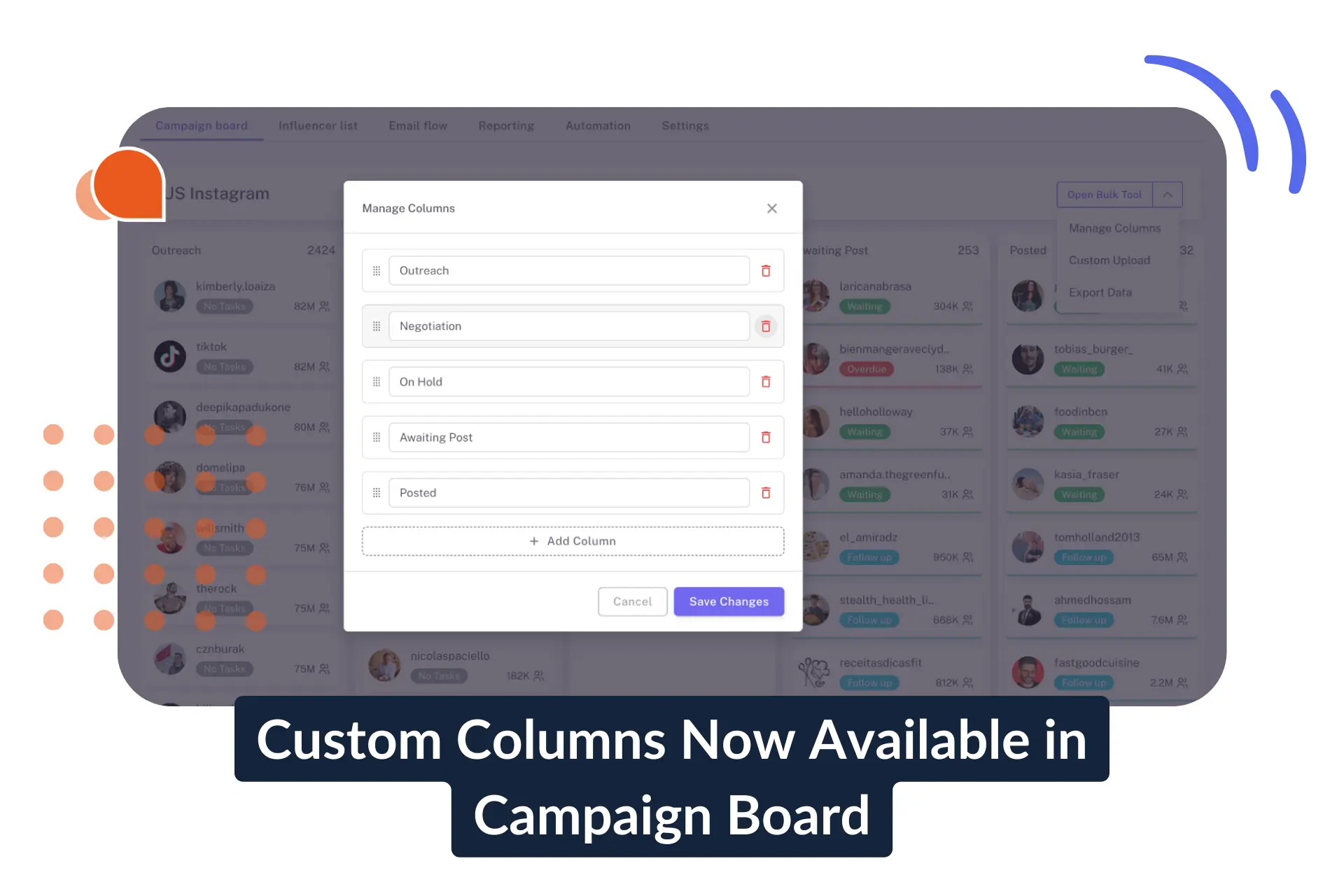
Custom Columns Now Available in Campaign Board

March 5, 2026
|
Published

October 12, 2026
|
Updated

13 Min
|
Reading

Influencer Performance Marketing Course | VOUCHER: IMC100

Gabriela Molina
| Author

Drive ROI With Influencers

Global Influencer Database
ALL-IN-ONE platform
CRM, Affiliate, UGC & More
Custom Columns Now Available in Campaign Board
Influencer Hero now allows you to fully customize your Campaign Board columns.
With our updated Campaign Board you can now support renaming, reordering, adding, and removing columns, giving you greater flexibility while keeping automation rules stable and predictable.
Your campaign structure now adapts to your workflow, not the other way around.
What’s New
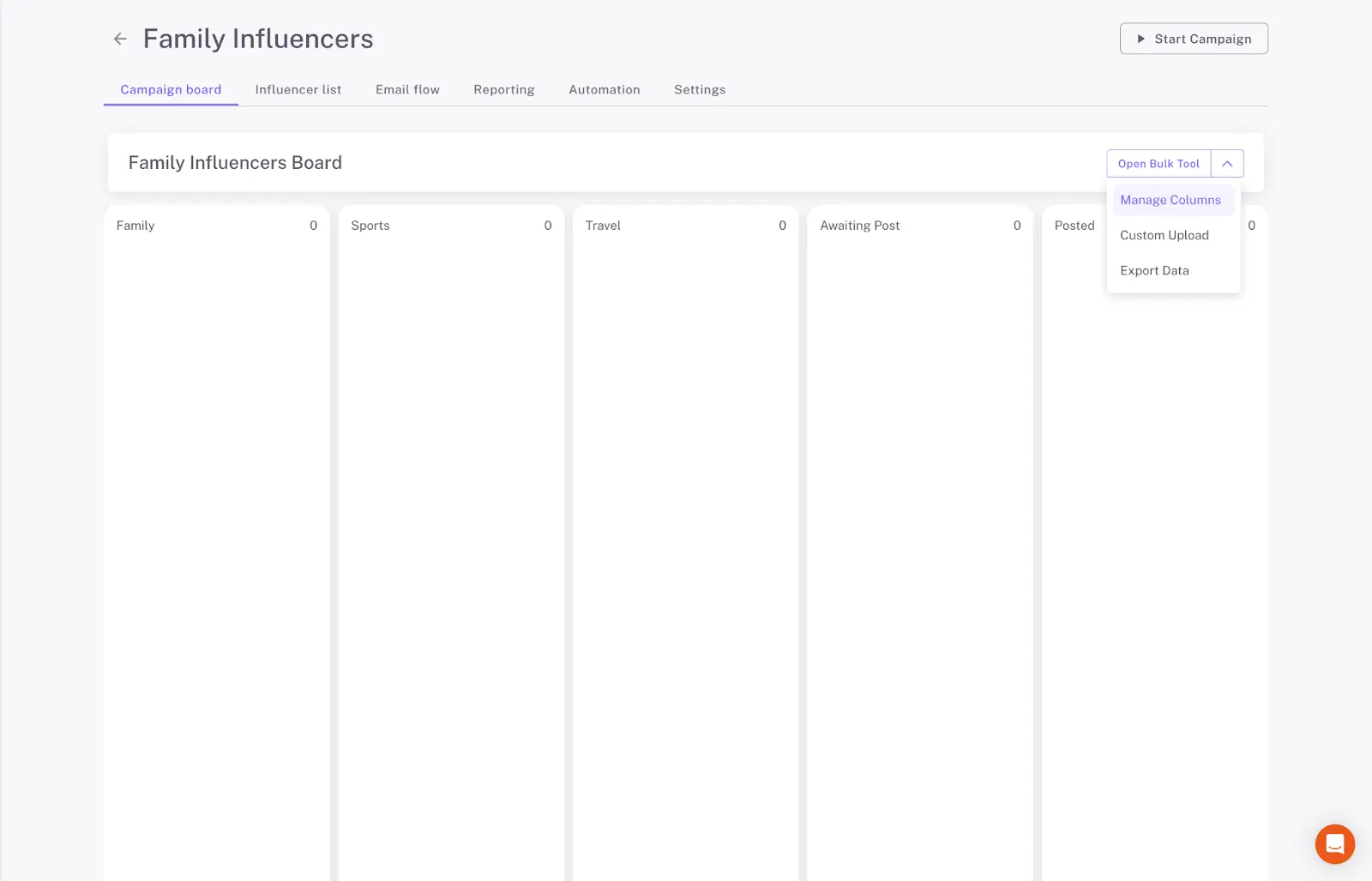
You can now access “Manage Columns” directly from your Campaign Board and take full control over its structure.
With Custom Columns, you can:
- Rename existing columns to match your internal workflow
- Remove columns you no longer need
- Add new columns tailored to your campaign process
- Reorder columns using drag-and-drop
Whether you're running gifting campaigns, affiliate programs, paid collaborations, or ambassador programs, your board can now reflect your exact operational structure.
Built for Flexible Influencer Campaign Management
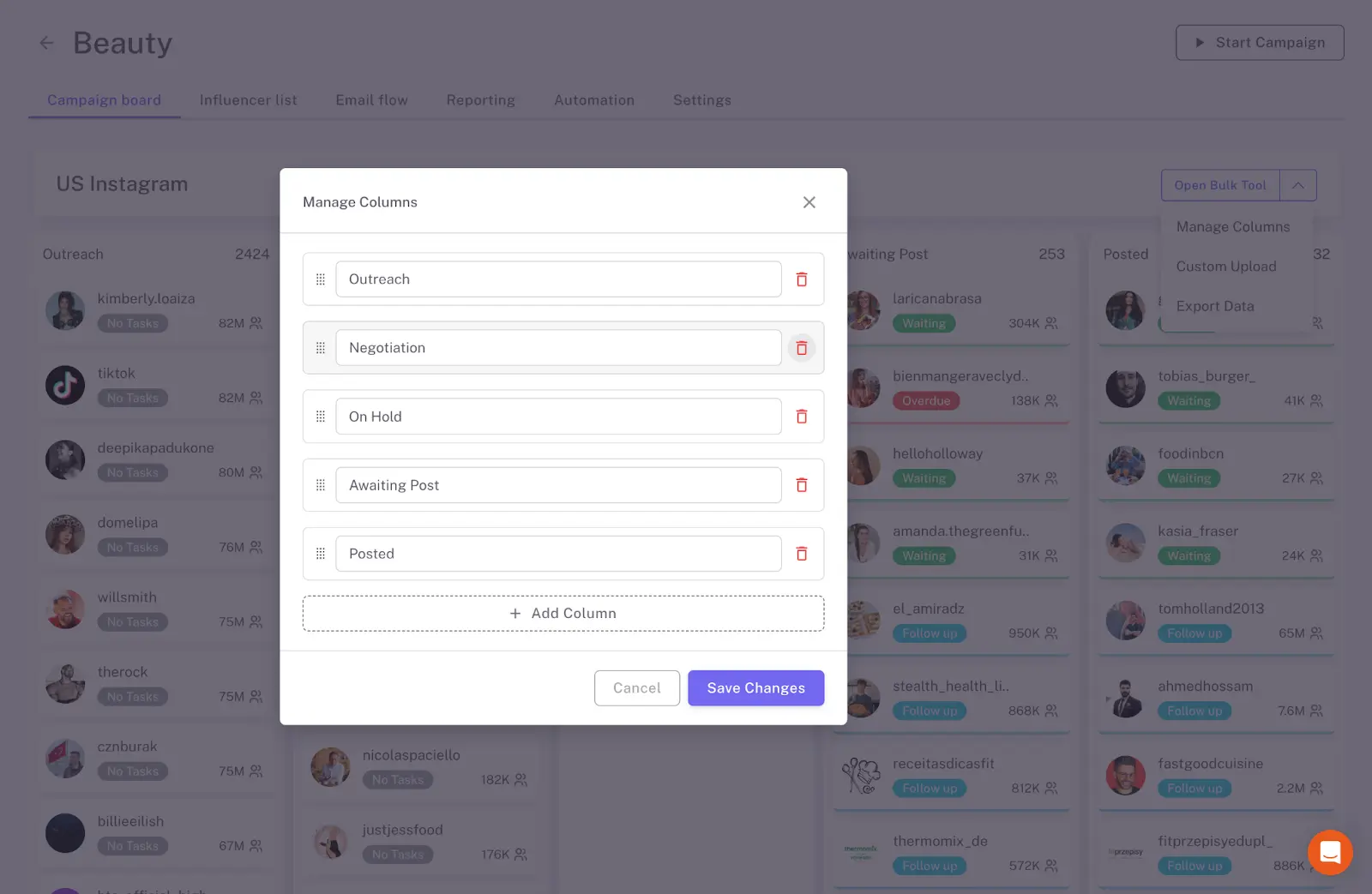
Campaigns evolve.
What starts as a simple outreach pipeline may grow into multi-stage collaboration workflows, content approval cycles, or performance-based partnerships.
Custom Columns allow you to adapt your Campaign Board as:
- Priorities shift
- New campaign types are introduced
- Teams expand
- Processes become more complex
Standard Boards or Fully Custom - You Choose
Influencer Hero now supports two approaches:
- Use standard Campaign Boards with built-in automations
- Fully customize every column to create a board tailored to your needs
This flexibility ensures both simplicity for smaller teams and full control for advanced influencer programs.
Build a Campaign Board That Works Your Way
No two influencer programs operate the same way.
With Custom Columns, your Campaign Board adapts to your process, whether you’re running lean gifting campaigns or complex, multi-stage partnerships.
As your campaigns evolve, your structure can evolve with them.
Want to see how it works in practice? Explore Custom Columns inside Influencer Hero and build a campaign workflow that fits your team, not the other way around.
Summary
This is some text inside of a div block.
This is some text inside of a div block.
Pricing/Month
Shopify Reviews
This is some text inside of a div block.
This is some text inside of a div block.
This is some text inside of a div block.
This is some text inside of a div block.
This is some text inside of a div block.
This is some text inside of a div block.
This is some text inside of a div block.
This is some text inside of a div block.
This is some text inside of a div block.
This is some text inside of a div block.
This is some text inside of a div block.
This is some text inside of a div block.
This is some text inside of a div block.
This is some text inside of a div block.
This is some text inside of a div block.
This is some text inside of a div block.
This is some text inside of a div block.
This is some text inside of a div block.
This is some text inside of a div block.
This is some text inside of a div block.
This is some text inside of a div block.
Read More

FAQs
What are Custom Columns in Influencer Hero’s Campaign Board?

Custom Columns allow you to rename, reorder, add, or remove columns inside your Campaign Board. This gives you full control over how your influencer campaign pipeline is structured, so it reflects your actual workflow.
Can I rename and rearrange existing Campaign Board columns?
Yes. You can rename existing columns to match your internal terminology and rearrange them using drag-and-drop. This makes it easy to adapt the board to your team’s preferred structure.
Can I add new stages to my Campaign Board?
Absolutely. You can create new columns to represent additional stages in your influencer campaign process, whether that’s content approval, contract review, performance tracking, or any custom step your workflow requires.
Is it possible to remove columns I don’t use?
You can delete a column as long as it does not contain active influencers and is not used in any automation rules. A column cannot be deleted if:
- There are influencers currently in that stage
- There are automation rules referencing that column
To delete it, you’ll need to:
- Move influencers to another column or deactivate their deals
- Edit or remove the automation rule that references the column
This safeguard ensures workflow stability and prevents unintended disruptions.
Are Custom Columns suitable for large influencer programs?
Yes. Custom Columns are designed to support both simple and complex influencer campaign management structures. As your program scales or evolves, you can adjust your board layout without rebuilding your entire workflow.









Most Popular Blogs


Drive ROI With Influencer Marketing
Join 1,200+ brands and 150+ agencies scaling creator programs with Influencer Hero.